Add custom fields to invoices
Need a booking reference, a guide name or a tour code on every invoice? Custom fields let you add your own fields to invoices and choose exactly where they print on the PDF.
Create a field
- Open Settings and go to the PDF tab.
- In the Custom fields card, choose New field.
- Give it a label, pick a type (text, number, date, dropdown or checkbox), and choose where it prints on the PDF (with the invoice details, next to the customer, as a line-item note, after the totals, or in the footer).
- Save the field.
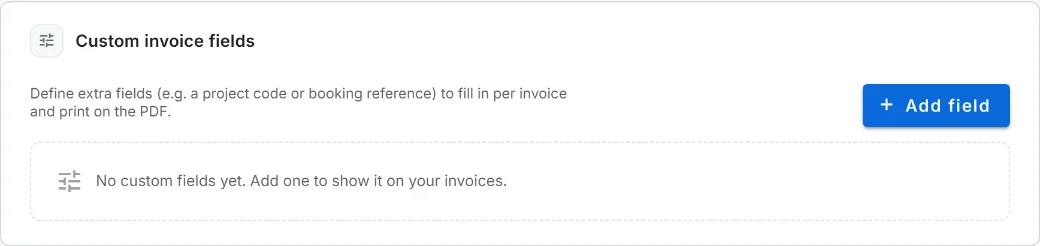
The Custom fields card lives on the PDF tab because that is where you decide how your invoices look. Managing fields is limited to the account owner and admins.
Fill it in on an invoice
Open any invoice and look for the Custom fields card: every field you created shows up there with its own input. Fill in what you need and it prints wherever you placed it.
A field you mark as required must be filled in before you can finalize an invoice, but it never blocks you from saving a draft, so you can keep working and come back to it.
Good to know
- You can place up to 20 fields on a single invoice, and each value holds up to 5000 characters.
- You can rename a field’s label and change where it prints at any time. Its internal key is fixed once created, so past invoices keep their values.
- Archived a field you no longer use? Existing invoices still show what they had, so nothing is lost.
Can I rename a field after I create it?
You can change its label and where it prints any time. The internal key is fixed once the field is created, so existing invoices keep their values.
How many custom fields can one invoice have?
Up to 20 filled-in fields per invoice, and each value can hold up to 5000 characters.
Do I need a paid plan?
The Custom fields card is visible on every plan, but saving a new field needs the Solo plan or higher. On Free you will be prompted to upgrade.